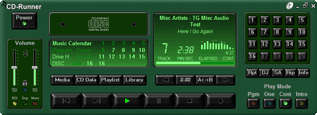
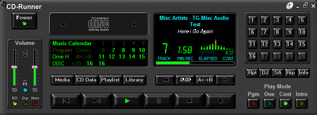
Home stereo / LCD
and LED modes
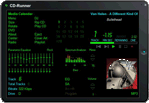
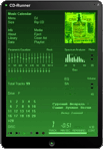
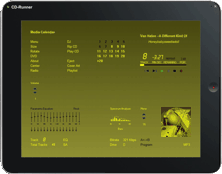
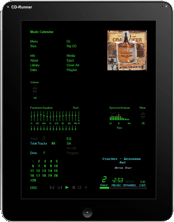
TouchPad
/ Full size / LCD and LED modes

Portable /
LCD and LED modes with different sizes
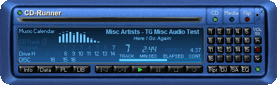
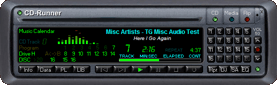
Car stereo / LCD
and LED modes
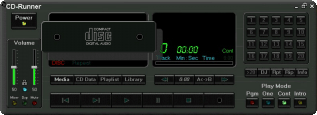
CD Drawer Open Animation / LED mode
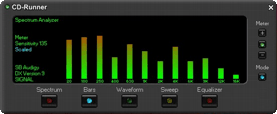
Spectrum Analyzer using Scaled / Bars / LED mode
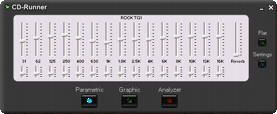
15-band Equalizer using Parametric EQ mode
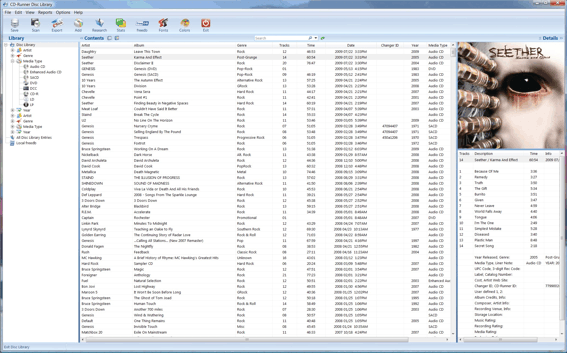
Disc Library, List View Display
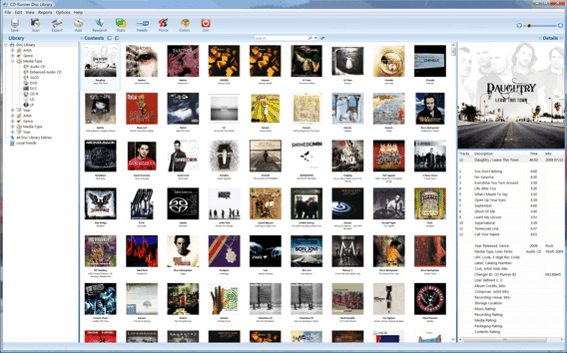
Disc Library, Thumbnail Display
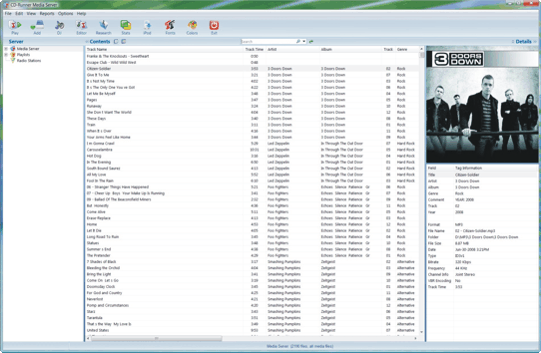
Media Server, List View Display
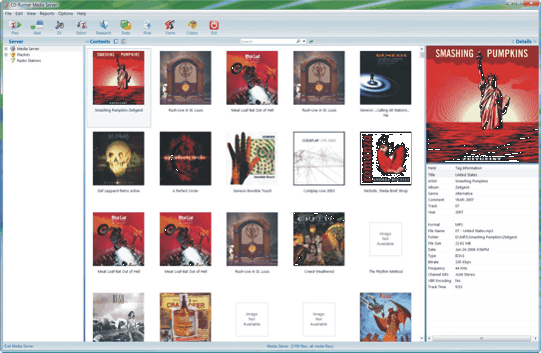
Media Server, Thumbnail Display
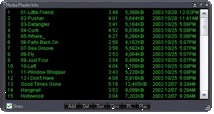
Sizable playlist editor
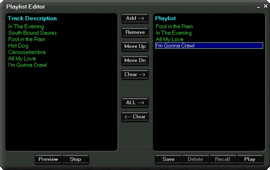
Classic playlist editor
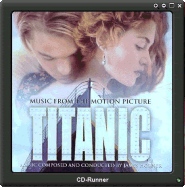
CD Covers Viewer
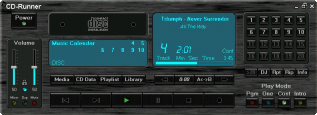
Optional metal / LCD mode
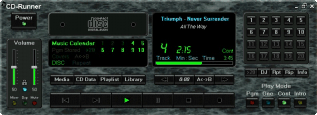
Optional Marble / LED mode
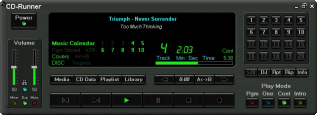
Home stereo / optional wide display mode
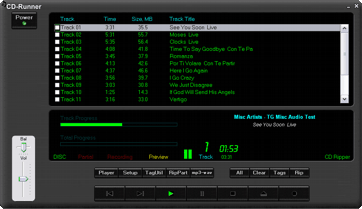
CD Ripper Main Screen
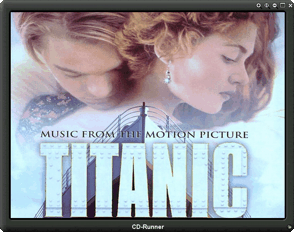
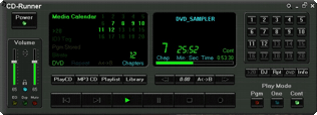
Media Runner
playing DVD movie
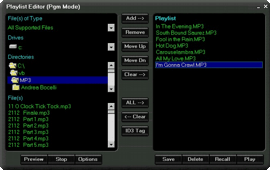
Media Runner Pgm Playlist Editor
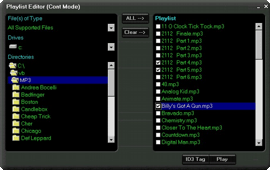
Media Runner Cont Playlist Editor
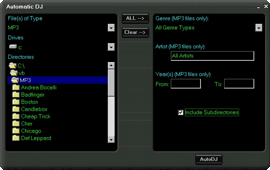
Media Runner Automatic DJ
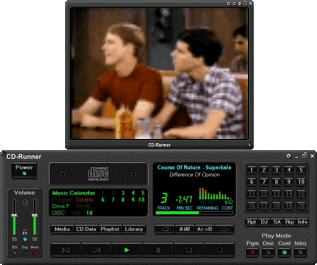
Media Runner playing movie file
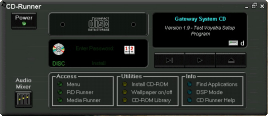
CD-ROM Runner
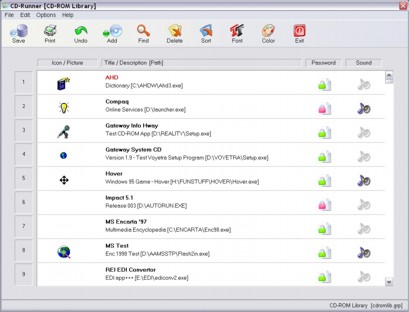
CD-ROM Library

When Media & Audio CD Runners are minimized while playing, this
handy pop-up "Ribbon" floating control panel appears.
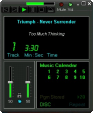
Open the Ribbon control panel to view a mini-display & access the volume
control sliders.

Press the EQ LED to display a popup Bass & Treble
control.
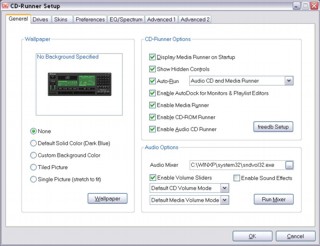
CD-Runner has been designed with a wide variety of setup
options to help customize the look and feel of the application.
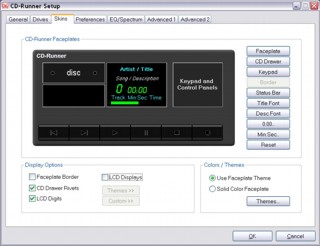
The faceplate displays (skins) may be customized with different fonts, colors,
3D themes, LCD modes, etc.
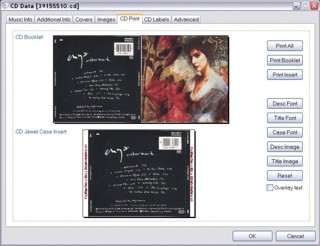
Disc Library CD booklet and insert print options.
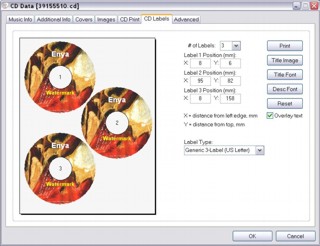
Disc Library CD labels print options.
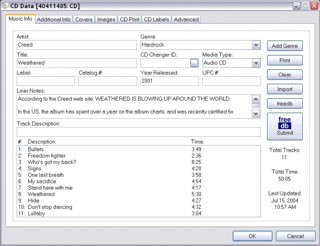
Enter and view information for any music entry (Audio CD,
LP, DVD, etc.) with lots of custom options...


